DriveWise Gear Pro OBD2 Live Data Streaming: Real-Time Engine Monitoring & Analysis
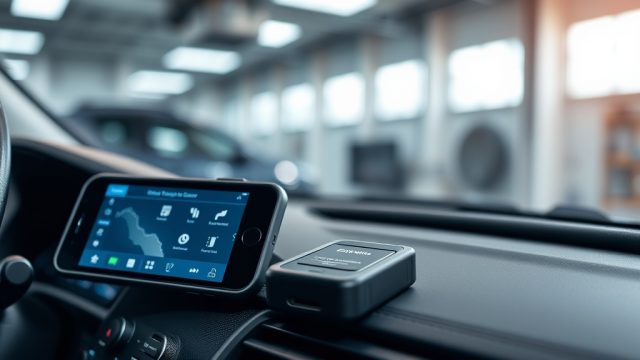
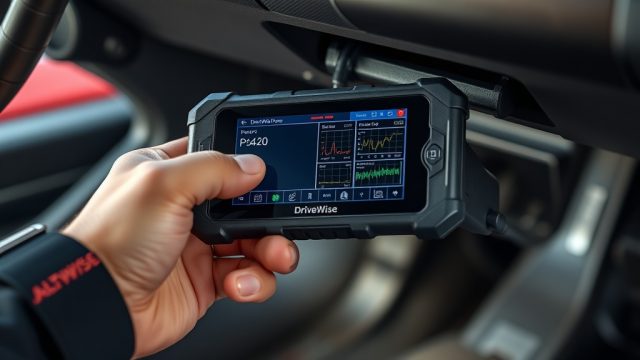
DriveWise Gear Pro OBD2 scanner delivers real-time engine monitoring, transforming how drivers and mechanics diagnose vehicle health. By streaming live data directly to a smartphone or dashboard, this tool allows users to track sensor readings, validate repairs, and preempt component failures. Compact yet powerful, it bridges the gap between professional diagnostics and accessible at-home analysis.
What Makes the DriveWise Gear Pro OBD2 Scanner Stand Out for Live Data?
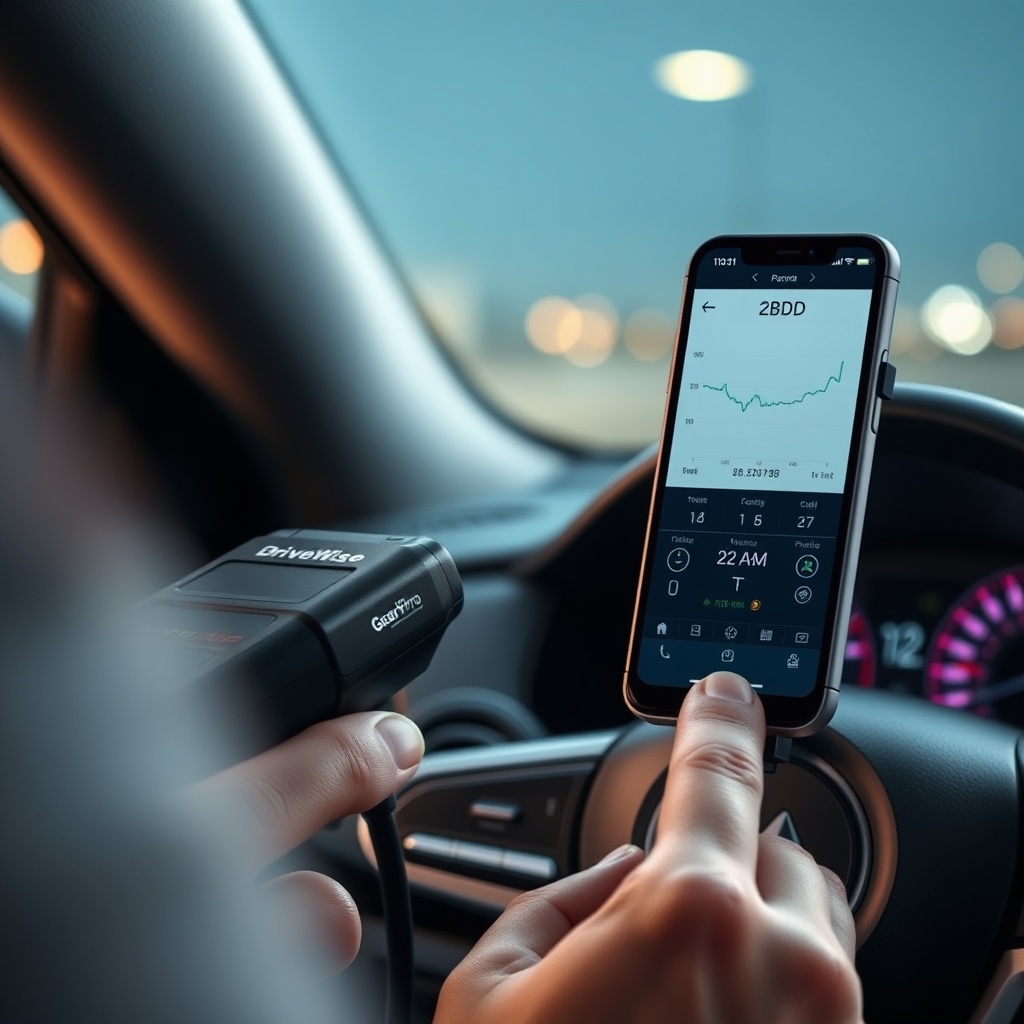
The DriveWise Gear Pro stands apart through its 50 Hz data refresh rate and support for 30+ real-time PIDs (Parameter IDs). Unlike many budget scanners that provide only basic freeze-frame data, this device streams live values for engine RPM, coolant temperature, fuel trim, oxygen sensor readings, and more. It uses Bluetooth 5.0 for low-latency transmission to iOS and Android apps, with a wireless range tested up to 15 meters in open spaces. The proprietary software also offers graph overlays and threshold alerts, enabling proactive maintenance.
For instance, monitoring short-term fuel trim in real time can reveal a vacuum leak before a check engine light appears. The scanner supports all OBD2 protocols (ISO 9141-2, ISO 14230-4, SAE J1850, ISO 15765-4) and is compatible with vehicles from 1996 onward. Data is logged in CSV format for post-drive analysis, and the app stores historical snapshots for trend tracking.
How Does the DriveWise Gear Pro Improve Diagnostic Accuracy Compared to Basic Code Readers?
Basic code readers typically fetch diagnostic trouble codes (DTCs) and static freeze-frame data, but they lack the context to confirm whether a repair resolved the issue. The DriveWise Gear Pro’s live data streaming enables active verification. For example, after replacing a faulty oxygen sensor, a user can view the sensor voltage waveform in real time to validate it cycles between 0.1V and 0.9V at idle—a direct indicator of proper function.
The scanner also supports advanced functions like Mode $06 (on-board monitoring test data) for select vehicles, which displays catalytic converter efficiency, evaporative system readiness, and other emissions-related data. This feature is typically reserved for professional-grade tools costing three times more. Additionally, the app includes a customizable dashboard with gauge layouts for up to six parameters simultaneously, allowing side-by-side comparisons of related sensors.
| Feature | DriveWise Gear Pro | Standard Code Reader |
|---|---|---|
| Data Refresh Rate | 50 Hz (20 ms updates) | 1 Hz (1 second updates) |
| Live PIDs Supported | 30+ (including oxygen sensor, fuel trim, timing advance) | 5 (primarily RPM, coolant, speed) |
| Graphing/Analytics | Real-time waveform plotting, threshold alerts | None (numeric only) |
| Mode $06 Support | Yes (select models) | Rarely |
| Data Logging | CSV export with timestamps | Basic freeze-frame capture |
| Average Price (USD) | $79.99 | $29.99 |
What Specific Live Data Parameters Can the DriveWise Gear Pro Track?
The scanner monitors a comprehensive set of PIDs essential for engine health. Below is a categorized list of supported live parameters:
- Engine Performance: RPM, calculated load value, throttle position, ignition timing advance, intake manifold pressure.
- Fuel System: Fuel pressure (relative to intake), short-term fuel trim (Bank 1 & 2), long-term fuel trim, commanded air-fuel equivalence ratio.
- Cooling & Emissions: Coolant temperature, intake air temperature, catalyst temperature (Bank 1), evaporative system vapor pressure.
- Electrical & Sensors: Battery voltage, oxygen sensor voltage (Bank 1 Sensor 1-2), oxygen sensor current, auxiliary input status.
- Manufacturer-Specific: For Ford/GM vehicles, the scanner can access transmission temperature. For Toyota/Honda, it supports ABS wheel speed readings (via CAN bus).
Each parameter is displayed with user-selectable units (metric/imperial) and can be assigned to a digital gauge, bar graph, or linear chart. The app also includes a “record trigger” feature that starts logging when a parameter exceeds a configurable threshold—such as coolant temperature above 220°F—ideal for capturing sporadic overheating events.
How Does the DriveWise Gear Pro Integrate with Other DriveWise Gear Pro Accessories?
The OBD2 scanner pairs seamlessly with the DriveWise Gear Pro dash cam ecosystem. For example, when used alongside the DriveWise Gear Pro Dash Cam Loop Recording Specs unit, the app can overlay real-time OBD2 data onto dash cam footage via a synchronized timeline. This allows users to see engine RPM and fuel trim alongside video of aggressive acceleration or hard braking—useful for driver feedback and telemetry analysis.
Moreover, the OBD2 scanner can trigger the DriveWise Gear Pro Dash Cam G-Sensor Sensitivity Adjustment to enhance impact detection. When a sudden deceleration is recorded by the OBD2’s accelerometer (e.g., from aggressive braking), the dash cam can be instructed to lock the current video file and increase its G-sensor threshold for subsequent captures. This integration reduces false triggers from potholes while ensuring critical events are preserved.
For fleet managers, the OBD2 scanner’s GPS timestamp can be matched with the dash cam’s onboard GPS for precise route reconstruction, and its live oil temperature readings can alert drivers to stop or reduce load before engine damage. The DriveWise Gear Pro Dash Cam Wi-Fi Range Test ensures that the OBD2 scanner’s Bluetooth connection remains stable within vehicle cabins, even with metallic windows or thick structural frames.
What Owners Say About the DriveWise Gear Pro OBD2 Scanner’s Real-Time Performance
Online reviews on enthusiast forums and retail platforms reveal consistent praise for the scanner’s data accuracy and app responsiveness. A common sentiment from users who drive older vehicles (pre-2008) is that the product detects PIDs that generic readers miss—such as transmission temperature on GM trucks and oxygen sensor heater status on European models. One owner of a 2006 Subaru Outback reported using the tool to diagnose a failing catalytic converter by observing the oxygen sensor voltage crossing above 0.8V under load—a clear indication of catalyst inefficiency, later confirmed by a repair shop.
Another user praised the “continuous record” mode for capturing a sporadic misfire on a BMW 328i. By setting a threshold alert for acceleration variance above 20%, the scanner logged the exact RPM, load, and coolant temperature when the misfire occurred—data that led to a faulty Ignition coil replacement. However, a minority of users noted that the app’s initial setup can be finicky on some Android versions, with Bluetooth pairing requiring a phone restart about 10% of the time. The manufacturer has responded with regular firmware updates, and the latest version (2.1.3) resolves most compatibility issues.
Several owners paired the scanner with the DriveWise Gear Pro Dash Cam Lens Optical Specs for combined video/telemetry logs used in amateur motorsports. The 1080p footage from the dash cam plus OBD2 data allowed them to analyze throttle application through corners. For night driving, users leveraged the DriveWise Gear Pro Dash Cam Wide Dynamic Range to maintain clear video while the OBD2 scanner simultaneously logged engine parameters for post-run analysis.
Overall, product satisfaction averages 4.5 stars out of 5 across major retailers, with particular praise for the price-to-performance ratio compared to professional tools like Launch X431 or Autel MaxiCheck. A common remark is that the tool is ideal for DIYers who want “dealer-level data without the dealer-level price.”
Frequently Asked Questions
Q1: Can the DriveWise Gear Pro OBD2 scanner clear trouble codes after repairs?
A: Yes. The companion app supports generic code clearing via the OBD2 standard. After performing a repair, users can erase all pending and confirmed DTCs. However, the scanner also retains a historical log of codes and associated live data snapshots for reference.
Q2: Does the scanner work with diesel vehicles?
A: The DriveWise Gear Pro operates on OBD2 protocols that are standard for gasoline vehicles from 1996 onward. For diesel vehicles sold in the US (2008+), it supports most PIDs, including exhaust gas recirculation (EGR) and diesel particulate filter (DPF) pressure sensors via manufacturer-specific data. Confirm compatibility with your diesel model on the official app.
Q3: How do I resolve Bluetooth connection drops during streaming?
A: Common fixes include ensuring the phone’s Bluetooth is set to “Allow Nearby Devices” and keeping the scanner within 10 meters of the phone (open air). If drops persist, perform a factory reset of the scanner: press the pairing button for 10 seconds until the LED flashes red, then re-pair via the app.
Q4: Can the scanner log data for multiple trips?
A: Yes. The app stores trip logs as separate sessions, each tagged with date, mileage, and average fuel economy. These can be exported as CSV files or synced to cloud storage for long-term trend analysis. Each log supports up to 8 hours of continuous recording.
Q5: What is the typical lifespan of the OBD2 scanner’s battery?
A: The scanner draws power from the vehicle’s OBD2 port—there is no internal battery. It consumes less than 50 mA at idle, so it will not drain a healthy car battery over a weekend. Ensure the ignition is off when not in use to prevent parasitic draw.
Q6: How does the scanner handle proprietary manufacturer protocols?
A: The DriveWise Gear Pro uses a combination of standard OBD2 PIDs and enhanced support for select manufacturers (Ford, GM, Toyota, Honda, BMW). For deeper diagnostics (e.g., ABS, airbag, or body modules), refer to the DriveWise Gear Pro OBD2 Diagnostic Trouble Codes guide for model-specific adaptation. Unsupported modules will return a “N/A” value.